Create Free Account

Training & Induction Software

Every Induction Done Before the First Shift. Every Record Kept.

Build the course, assign it to a category or a site, and let Workers do it on their phone before they arrive. The record lands on their profile and the gate reads it.

  • Safety & HSE
  • Training Coordinators
  • HR
  • Site Managers
  • Contractor Admins
Assigned by category, done on a phone, kept for the audit

What Training & Induction Software Does.

Training and induction software gets every Worker through the courses your rules require. ComplyFlow builds the course, assigns it by category or site, and shows who is current.

  • You build the course once, or let AI build it from your document. Upload a SCORM package, convert a presentation, or give the AI builder a prompt and edit the outline. Publish when it is right.
  • It reaches the right people on its own. Assign a course to a Worker category, a site, a plant type, or one person. Everyone in the category now and later gets it, with a due date.
  • Workers do it on their phone, before they arrive. Reminders seven days before it is due and the day after. Classroom sessions are recorded too, with attendance by QR code.
  • The gate and the matrix both read the result. Current, due soon, or overdue on the profile, in the competency matrix, and at sign-in, where a site induction can run before the first entry.
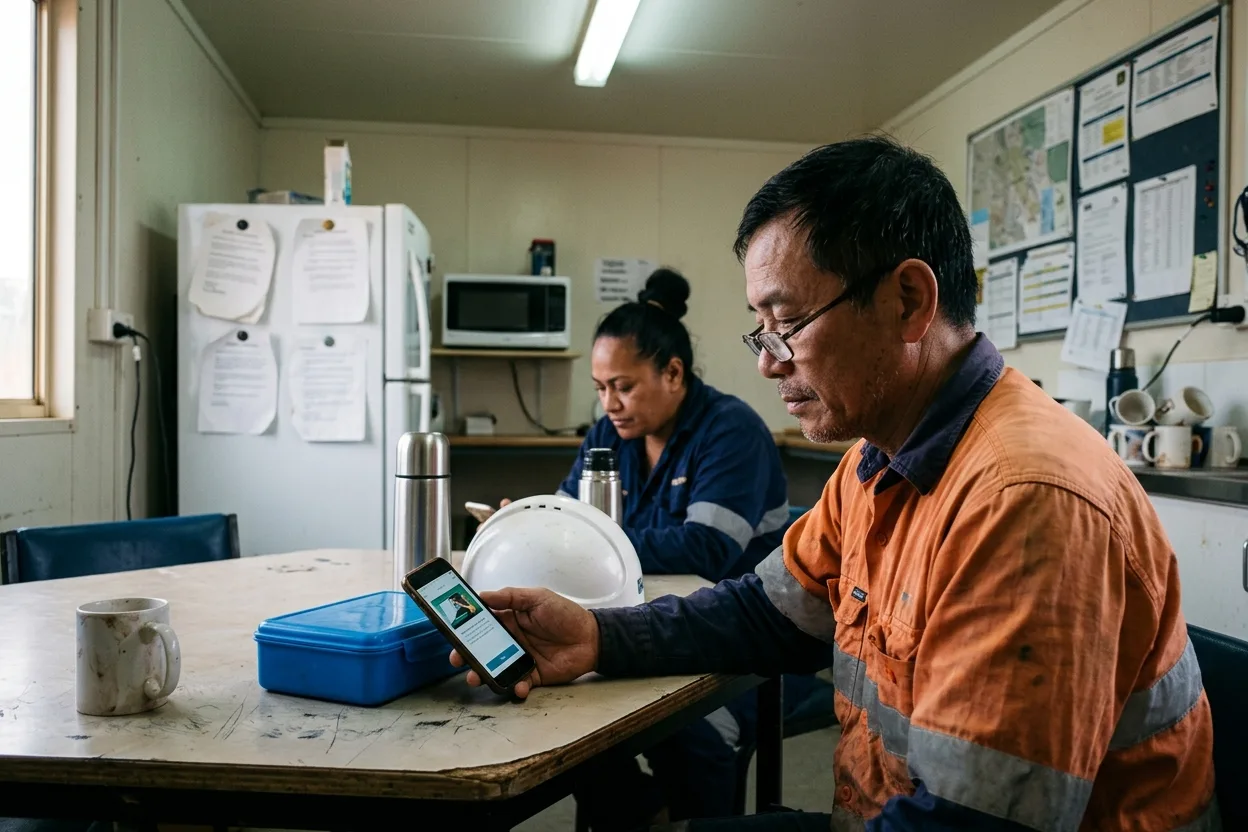
A worker in hi-vis doing an online site induction on his phone at a table in a crib room, a lunchbox and a hard hat beside him

What It Covers

The Whole Module, Not the Highlights.

Everything below is in the product today and documented in the Help Centre.

Build

Assign & Deliver

Track & Prove

Every item links to the Help Centre article that documents it.

How It Works

Four Screens That Carry the Module.

Real screens, not diagrams: the AI builder, the courses, the matrix, and the check at the gate.

A Course From Your Procedure, in Minutes.

Hand the AI builder the SOP, the procedure, or the induction deck you already have, and it comes back with an outline of screens and a quiz. Edit the outline, brand it, publish it. It is built into ComplyFlow, so there is no authoring tool to buy, nobody to train on it, and the finished course is SCORM, hosted in our own LMS and delivered to the Worker with everything else.

  • A document, a deck, or a prompt in; a course with a quiz out
  • No additional software to buy or learn
  • SCORM out, hosted in our LMS, or upload the SCORM you already paid for

Every Course, and Who Is Current on It.

One list of everything you ask people to complete: SCORM courses, offline sessions, and site inductions, each with who it is assigned to and how many are current, due soon, or overdue. Open a course to see the names.

  • Assigned by category, site, plant type, or person
  • Current, due soon, overdue, in progress
  • Expiry per course, with a warning window

The Matrix Your Auditor Asks For.

People down the side, competencies across the top, a coloured square where they meet. Filter to a category or a site and the gaps are the red squares. The same view covers documents and licences, not only courses.

  • Green current, yellow due soon, red overdue
  • Courses, documents, and licences together
  • Export to Excel or PDF

Checked at the Gate, Not Just in the Report.

A Worker whose induction has lapsed is stopped at sign-in. A site induction that is due runs before the first entry and its completion is recorded. A supervisor scanning an access card sees the training with the licences.

  • Expired induction, no sign-in
  • Site induction at the sign-in point when due
  • Training shown on the QR check with the documents

Who It Is For

What Training & Induction Means for Me.

Find your job below and read what training and induction changes for you.

ComplyFlow Is Already Trusted.

Inductions for property, transport, resources, manufacturing, government sites, and more already run on ComplyFlow.

  • BlueScope
  • National Intermodal
  • CBRE
  • Toll
  • Retire Australia
  • Lendlease

Book a Demo

Bring Your Induction Deck. We Will Turn It Into a Course in Front of You.

A 30-minute call with someone who has set this up for depots, plants, and portfolios: your categories, your sites, your inductions, in the product.

  • Your induction deck converted to a course with a quiz, live
  • The course assigned to a category and landing on a Worker’s phone
  • The gate reading the result, and the matrix behind it
Talk to Us Instead

No slides, no hard sell. A working session on your own set-up.

Book Your Demo

Thirty minutes, on your own requirements.

Book Demo

The form loads from HubSpot. If it does not appear, the button takes you to the demo request page.

How It Helps

Every Job in the Module: Digitised, Automated, Read by AI.

Three things make ComplyFlow different, and every job in training and induction draws on all three.

  • 01

    The Whole Lifecycle, on One Record.

    The course a Worker completes sits on the same record as their licence, their sign-in, and the permit they worked under. One profile, every Client they work for.

  • 02

    Your Procedures, Digitised & Automated.

    Your categories decide who gets what. Assignment, reminders, renewal, and the block at the gate happen without a coordinator chasing anyone.

  • 03

    AI That Does the Building.

    A procedure or a deck becomes a course with a quiz in minutes. You edit the outline and publish; the AI never decides who passed.

What you do Digitise Automate AI
Build the course SCORM upload, the authoring tool, or a converted document or deck. Branded, versioned, and published to everyone assigned at once. A prompt or a document in; an outline with a quiz out.
Assign it To a category, a site, a plant type, or a person, with a due date. Everyone joining the category later gets it too; assigners renew it. Ask your assistant who in a category has never done a course.
Deliver it On the Worker’s phone, or a classroom session with QR attendance. Reminders 7 days before, chasers the day after, warnings before expiry. Ask which sites have inductions falling due this month.
Check it Current, due soon, overdue on the profile and the matrix. Expired induction, no sign-in; due site induction runs at the gate. Ask who on site today is overdue for a refresher.
Prove it Competency matrix, training history, certificates the Worker can download. Compliance report to Excel or PDF; training history through the API. Ask in plain English through ChatGPT, Claude, or Copilot.
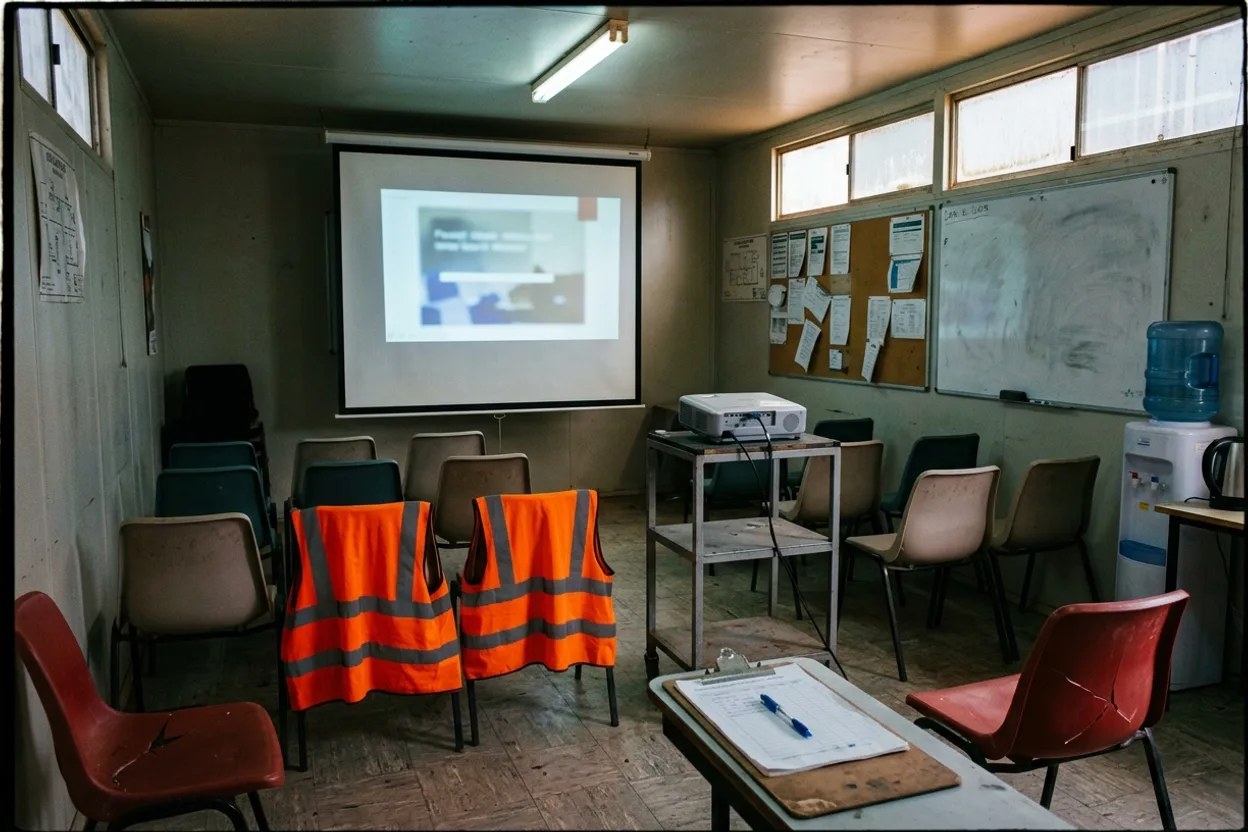
A site induction room: a projector on a trolley, plastic chairs, a clipboard of paper sign-off sheets, and laminated certificates pinned to a corkboard

How It Stacks Up

Where Induction Usually Lives, and What Each Misses.

Most sites induct with a slide deck in a room, a sign-off sheet, and a general-purpose learning system. Each covers part of it.

A deck and a sign-off sheetFree, and the record is a signature on paper in a drawerA general learning systemBuilt for employees; contractors need accounts you pay forA prequalification networkVerifies the company; the Worker’s induction is yours to run ComplyFlowOne record, your standard
Contractors’ Workers included, at no per-seat cost to you PartlyNot thereNot there One licence per Worker, every Client they work for
Assigned by category and site, renewed on expiry Not therePartlyNot there Categories, sites, plant types, automated assigners
Classroom sessions recorded with QR attendance PartlyPartlyNot there Sessions with provider and venue; auto-complete after
Expired induction blocks sign-in at the gate Not thereNot thereNot there The gate reads the same record
A course built from your procedure by AI Not therePartlyNot there Prompt, document, or deck to outline and quiz
Competency matrix across courses and documents Not therePartlyNot there Courses, licences, and documents in one grid

This compares kinds of product, by how they are sold, not named vendors. Named comparisons, with dates and sources, live on the comparison pages.

Getting Started

We Set It Up With You. We Stay With You.

You are not handed a login and left to it. Our onboarding team loads your courses, builds your assignments with you, and stays on hand once the first induction runs.

  • Mitch Bourne, ComplyFlow
  • Jessica Morgan, ComplyFlow
  • Sam Bourne, ComplyFlow
  • Phil Wallach, ComplyFlow
  • John McCann, ComplyFlow
  1. 1 We Load Your Courses

    Your SCORM packages as they are, your decks and procedures converted, and your site inductions built for each sign-in point.

  2. 2 We Map Who Gets What

    Which category, site, or plant type needs which course, with what expiry, and the assigners that keep it renewed.

  3. 3 We Bring Your People Across

    Staff and contractors invited, categories assigned, and the first inductions completed before the gate relies on them.

  4. 4 You Go Live, We Stay Close

    Training for your team, a Help Centre for everyone, and a support team that picks up the phone.

  • ISO 27001 certified ISO 27001Certified 2019
  • AWS Qualified Software Certified 2023
  • GDPR, General Data Protection Regulation Compliant 2020
  • Microsoft Okta Single sign-on

Security & Data

Certified, Audited & Hosted in Australia.

Your compliance record is the evidence you rely on when somebody asks, so where it lives and who can reach it matters. ComplyFlow is ISO 27001 certified, runs on AWS in Australia, and your people sign in with the accounts they already have.

Questions

Questions People Ask About Training & Induction Before a Demo.

Can we use the courses we already have?

Yes. Upload a SCORM 1.2 package up to 50MB with a valid manifest and it runs as it is. A PowerPoint or a procedure document can be converted into a course in the authoring tool, and training completed outside ComplyFlow can be recorded against the person.

Do contractors’ Workers need their own licences?

One licence per Worker covers every Client the Worker is assigned to, and how the cost is split between you and your suppliers is set per account. Courses you assign to a Worker category reach every contractor’s Workers in that category.

What happens when an induction expires?

The Worker is warned before expiry and, where an automated assigner is set, the refresher is assigned on its own. On the day it lapses the status turns overdue and the gate flags it at the next sign-in.

How do you record a classroom session?

As an offline session with a course, a training provider, dates, a venue, and a capacity. Attendees scan the session’s QR code at the venue, register beforehand, or are added as walk-ins; once the session time passes it completes on its own and each attendee’s record updates.

Is the AI course builder writing our safety content?

It drafts. You give it a prompt or your own document, choose the audience and tone, and it returns an outline with a quiz. You edit every screen before it is created and nothing is visible to learners until you publish.

Can we see training records in our own systems?

Yes. The REST API returns the training list and the training history of staff and Workers, and accepts competency updates. The same is available through MCP to ChatGPT, Claude, and Copilot.

See It Against Your Own Inductions.

Book a 30-minute demo. We will turn one of your procedures into a course live, assign it to a category, and show the gate reading the result. No slides, no hard sell.

  • ISO 27001
  • Hosted on AWS
  • Microsoft & Okta SSO
  • API & MCP
  • Data in Australia

Compliance you can prove, instantly.